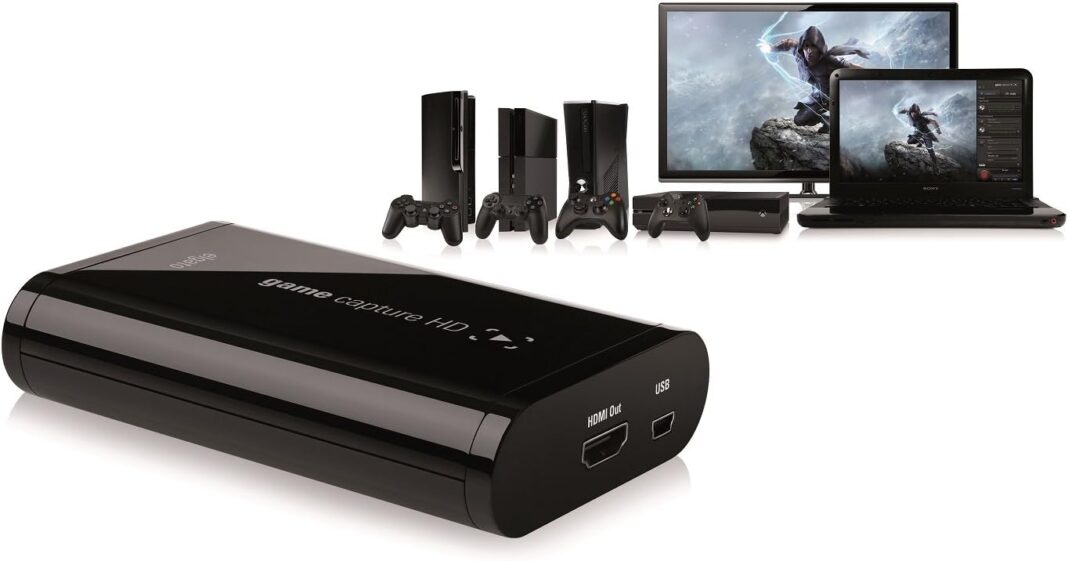
Video game streaming is big business. Companies like Twitch and uStream have grown from relative obscurity into goldmines, propelling professional gamers into the spotlight. Even next-generation consoles tout streaming with just a few clicks, so that anyone who’s good at a game can proudly show off their skills to the world. To supplement this, there have been a number of hardware devices that have entered the market to help gamers who would like to record videogame footage and stream it to their fans. One such device I’ll be looking at today is the very compact Elgato Game Capture HD.
Build Quality & Design
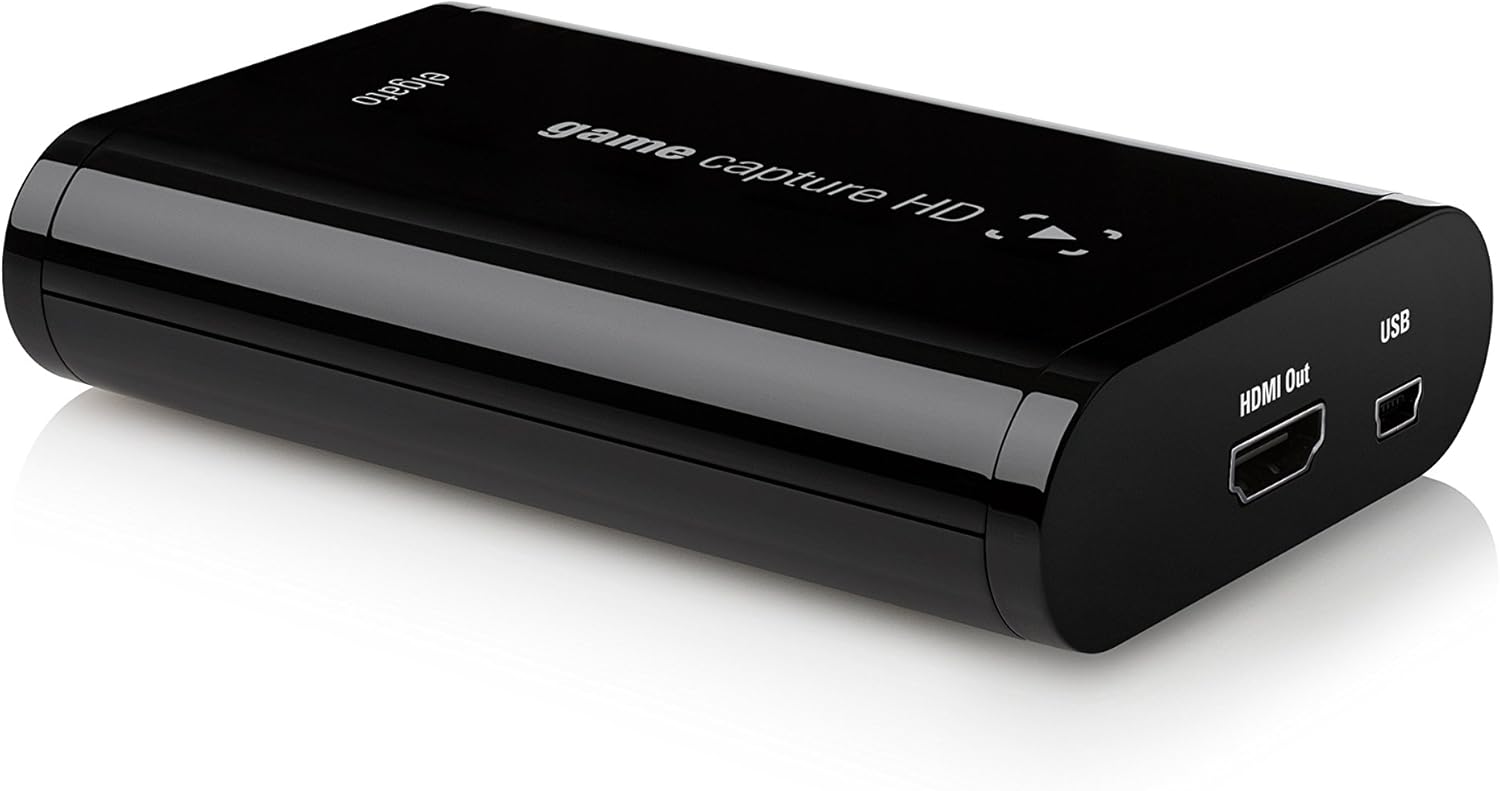
It’s easy to be slightly unimpressed when you first look at the Game Capture HD. After all, it’s about the size of a portable hard drive, and has a few connectors on it. But don’t let its innocent looks fool you – the Game Capture HD is a fully fledged capture device, capable of capturing footage from almost any video game console or HDMI source.
What makes the Game Capture HD great is that it’s portable – thin enough to slip into your bag along with your console or laptop, ready to capture footage as and when you need it. The device has an HDMI In and an HDMI Out, as well as a separate connector and supporting cables to connect a PS3. Powering the Game Capture HD is a single USB cable, which ups the Game Capture HD’s portability factor even more. You get all the necessary cables to get up and running, and you download the accompanying software from the company’s website.
Setup & Connectivity
Setting up the Game Capture HD was just a matter of downloading and installing the required software, and then plugging the device into a free USB port on my laptop. You can then either plug in a HDMI-compatible source such as an Xbox 360 or a PC, or use the special connecting cables if you’d like to connect a PS3.
Once you’ve got your source connected and powered on, you simply start up the Game Capture HD software and within seconds you’ll see your video source in the software. Everything is very simple to use, and there’s little to no chance of connecting something incorrectly.
Software & Capture quality
The Game Capture HD software is fairly comprehensive – you can adjust a game’s audio, add live commentary, or even stream the source live to one of four available methods. When you’re ready to go, you simply hit the red record button at the bottom, and the software takes care of everything else. You can adjust various settings such as the quality of the resulting video, audio sources, and even frame rate, ensuring that the captured video is as smooth as possible.
I recorded a few clips from The Elder Scrolls Online, which was running at approximately 63fps on my PC. The recorded video was in full HD, and butter-smooth. There was no lag or any drop in quality, which was superb. Of course, the file size of the captured footage is no joke – one hour of full HD recording will weigh in at about 3.72GB. Still, the software can automatically divide up the video into manageable 4GB chunks automatically, so you don’t have to manually stop and start recording each time.
The Game Capture HD is a great and portable solution for anyone who’s looking to record or stream videogame footage. Perfect capture quality and the ability to livestream a game from the software itself are features that any enthusiast will appreciate. If you’re in the market for a reliable video game capture device, then the Elgato Game Capture HD is one to pick up.
- Very easy to set up and use
- High quality video capture
- Low system requirements
- Noticeable delay in the preview window
- Some compatibility and feature limitations
The Game Capture HD is a great and portable solution for anyone who’s looking to record or stream videogame footage. Perfect capture quality and the ability to livestream a game from the software itself are features that any enthusiast will appreciate